dbt compile renders the Jinja in a model into plain SQL and writes the result to the target/ directory. A model file is a template. Rendering it is the only sure way to see what a ref(), a macro or an is_incremental() branch becomes. That need creates the loop of edit, compile, open the rendered file and check.
I moved most of those checks into the editor with Power User for dbt, a free VS Code extension. Six of its features each remove one reason to open a terminal. They are the compiled SQL preview, query results, CTE preview, SQL validation, lineage and defer to production. Column lineage and the AI features need a free API key, and everything else needs no account.
A dbt model is a Jinja template, and the SQL that runs is whatever dbt renders from it. So a day of model work turns into a loop. You edit the model and run dbt compile. You open the rendered file under target/ and read it. Then you go back to the editor. The 50 in the title is a round number for a day of those loops, not a count I kept.
No single pass through the loop takes long. The cost is the switch from editor to terminal and back. You also read a file that is not the one you edit.
Most of my compile loops answered one of four questions:
- What SQL did this
ref()or macro render to? - What rows does the rendered query return?
- Does every column in the query exist in the warehouse?
- What breaks downstream if I change this model?
A dbt VS Code extension can answer all four inside the editor. I work at Altimate, which makes Power User for dbt. I use that extension for each answer below.
The terminal loop has five steps. The preview loop has two, and both stay in the editor.
What dbt compile Does and Where It Writes the SQL
dbt compile generates executable SQL from your project files. dbt's command reference lists models, data tests, analysis files, functions and snapshots as its inputs. The compiled SQL files land in the target/ directory of the project. Running that SQL is a separate step, and the docs suggest you run the compiled select yourself while you debug.
The same page corrects two common assumptions:
dbt compileis not a prerequisite ofdbt runor other build commands, because those commands compile on their own.- To read and validate a project without connecting to the warehouse, dbt points you to
dbt parse.
Since dbt v1.5, compile also works interactively. The --select flag compiles one node by name, and --inline compiles an arbitrary dbt-SQL query. Both print the compiled SQL to the terminal, and dbt still writes it to target/.
dbt compile --select "stg_orders"
dbt compile --inline "select * from {{ ref('raw_orders') }}"
In the docs' example, the inline query renders the ref() call to a fully qualified name, "jaffle_shop"."main"."raw_orders". That output answers one question per command, and it answers it in a terminal.
Jinja, ref() and Macros Are Why the Compile Loop Exists
The .sql file in your editor is a template, and dbt renders it into SQL at compile time. A ref() call becomes a relation name for the current target. A macro call becomes whatever SQL the macro returns. You can read the template and predict the output. That prediction can still miss a macro's default argument, a variable or a branch.
One branch depends on the state of the warehouse rather than on the file. dbt's incremental models docs say is_incremental() returns true only when three things hold:
- the model's table already exists in the database,
- the run does not pass the
--full-refreshflag, and - the model config sets
materialized='incremental'.
So one file compiles to two statements. A first run or a full refresh leaves the filter out, and a later run keeps it. The docs' own example shows the pattern:
{{ config(materialized='incremental') }}

select
    *,
    my_slow_function(my_column)
from {{ ref('app_data_events') }}

{% if is_incremental() %}
where event_time >= (select coalesce(max(event_time), '1900-01-01') from {{ this }})
{% endif %}
The docs also say the SQL must be valid whether is_incremental() evaluates to true or false. To check both versions, you render the model in both states, and each state costs another trip through the loop.
One template, two compiled statements. The state of the table decides which one runs.
A Compiled SQL Preview Replaces the Terminal Round Trip
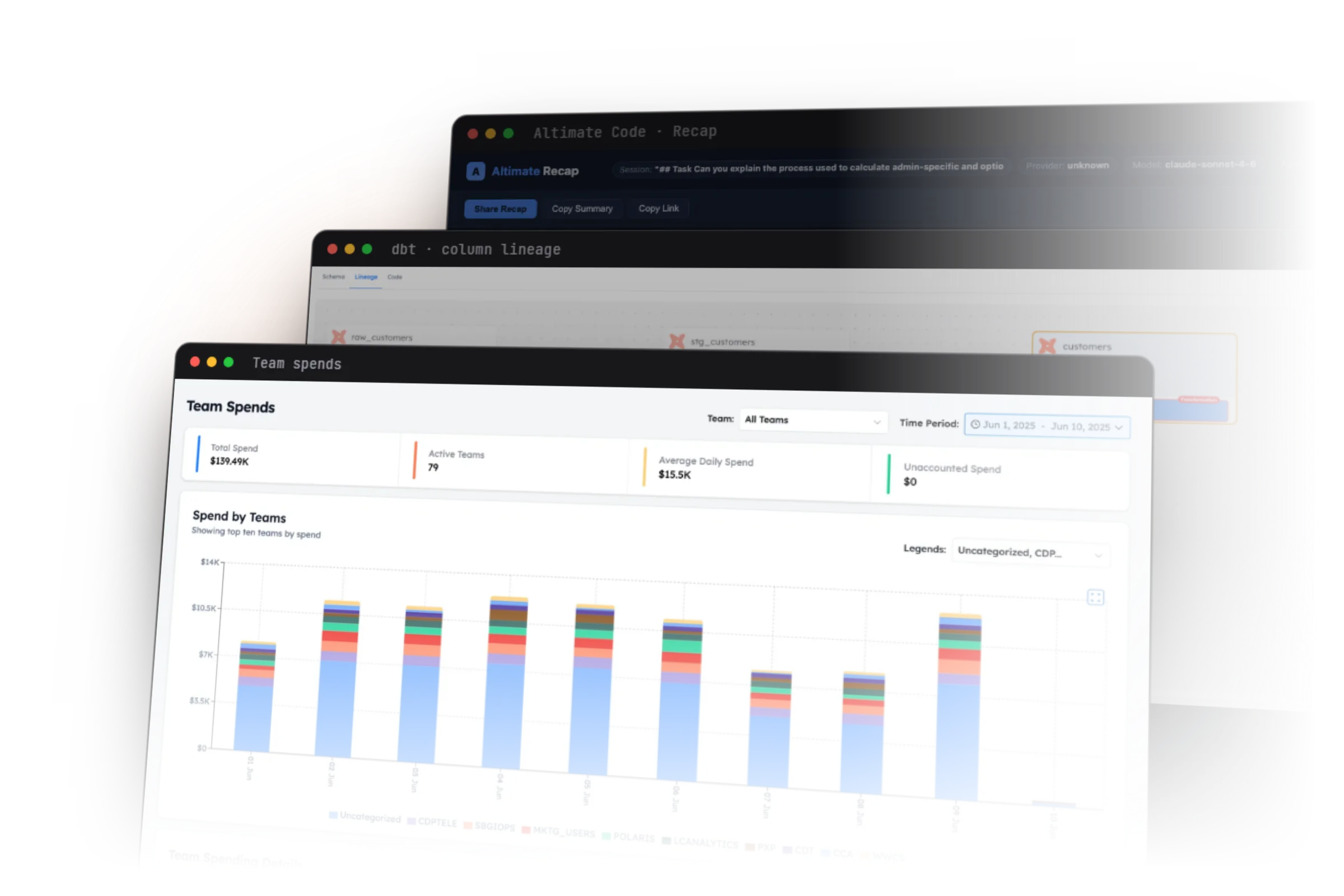
Power User for dbt is a dbt VS Code extension with 1M+ installs across VS Code and Open VSX. Its compiled SQL preview shows the rendered SQL for the open model. The compiled SQL preview docs place it as a toolbar action at the top right of VS Code. The product page describes the preview as available while you write.
The docs do not say the preview re-renders on every keystroke. Open it after an edit, and read it beside the model. The rendered ref() names, macro output and join conditions sit next to the template that produced them.
Set two things before you use the preview. Associate .sql files with jinja-sql, and set dbt.dbtIntegration to match how you run dbt:
{
  "files.associations": {
    "*.sql": "jinja-sql",
    "*.yml": "jinja-yaml"
  },
  "dbt.dbtIntegration": "core"
}
The configuration reference shows that dbt.dbtIntegration accepts core, cloud, fusion or corecommand. The default is core. The extension supports dbt Core, dbt Cloud and dbt Fusion, on dbt 1.0 and above. The compiled SQL preview is free and needs no account.
Query Results and CTE Previews Show the Rows in the Editor
The compiled SQL tells you what will run. The rows tell you whether it is right. Checking them used to mean pasting the compiled select into a SQL client. The query results docs describe the in-editor version:
- Select the whole model or part of it, then press Cmd+Enter on Mac or Control+Enter on Windows and Linux.
- Read the rows in the Query Results panel, and open its SQL tab to see the exact query that ran.
- Save a result in a tab, change the query, and compare the old result with the new one.
The preview returns 500 rows by default. The dbt.queryLimit setting changes that number. The docs say no adapter needs a custom dbt.queryTemplate anymore, including Oracle and MS SQL.
{
  "dbt.queryLimit": 500
}
When a model chains several CTEs, an Execute CTE action above each one runs that CTE on its own. You can then see which step changes the numbers. After a query returns, a Profile this query button starts an Altimate Code session that looks for performance problems. The published walkthrough shows how to read a query plan in plain English.
SQL Validation Catches the Column Names That Compile Cleanly
dbt compile renders the template, and a wrong column name renders as cleanly as a right one. In one Altimate experiment, an agent shipped a dbt model with two hallucinated column names. That model still passed dbt compile, and it would have failed on its first run. The experiment is written up as one of the four blind spots of general coding agents.
The extension's Validate SQL command checks three things without running the query:
- It flags columns that do not exist.
- It flags typos in SQL keywords.
- It highlights missing or extra parentheses.
The command writes its findings to the Problems panel. It also reports four failures that used to pass silently. In the first three, dbt has no manifest loaded, or the manifest lacks the model or its parent entry. The fourth is a compile error, such as a broken ref(). The message for a missing manifest tells you to run dbt parse.
Each error carries a Fix with Altimate Code button, which sends the compiled SQL and the errors to Altimate Code. That button is an AI feature, so it needs an API key.
Lineage and Defer Remove the Last Two Terminal Trips
The fourth question, what breaks downstream, needs lineage. Model lineage in the extension shows sources, seeds, models, tests, metrics and exposures, and it needs no API key. Column lineage needs a free Altimate AI API key, set in dbt.altimateAiKey. In the column view, a solid line means data flows through a select. A dotted line means the column appears in a where, join or having clause.
The lineage docs list the gaps. Column lineage does not support snapshots yet. Unnest, lateral view flatten and JSON flatten can leave the lineage incomplete.
Defer to production is the second fix. It runs a subset of models or tests without building their upstream parents first. You turn it on in the Actions panel, then point it at a production manifest.json. Local mode reads that manifest from your machine and needs no API key.
SaaS mode stores the manifest for the team, and it needs an API key. It also needs pip install altimate-datapilot, which uploads the manifest. The dbt.deferConfigPerProject setting holds three properties: deferToProduction, manifestPathForDeferral and favorState.
The AI features send query context to Altimate's backend. The only stored data is feedback you choose to give, and it is kept for 30 days. Telemetry follows VS Code's standard framework, and you can turn it off in VS Code settings.
The Official VS Code Extension Covers Part of the Same Loop
dbt Labs publishes its own extension, dbtLabsInc.dbt, in the VS Code Marketplace. The dbt extension docs call it a public preview release and say its behavior may change before general availability. The same page says dbt v1 and v2 both support it.
dbt v2 is Rust-based and is now the default when you install dbt. It builds on an Apache 2.0 runtime. dbt Labs' May 2026 product update claims 30x faster parsing and real-time SQL feedback as you type. Both are vendor claims, and I have not measured either one.
Power User for dbt also runs on Fusion, with dbt.dbtIntegration set to fusion. Agentic data engineering tools for VS Code compares the dbt Labs extension with eight other tools.
In Cursor, install Power User for dbt from the Open VSX Registry. Some Cursor installs freeze and show "Failed to fetch", and the install docs give a workaround. The extension also embeds an MCP server that runs on localhost, covered in dbt Power User inside Cursor.
Install the Extension and Check Your Next Model in the Editor
Install Power User for dbt from the VS Code Marketplace, or from the command line:
code --install-extension innoverio.vscode-dbt-power-user
Then click the dbt status icon in the bottom status bar to start the setup wizard. The wizard walks you through the Python interpreter, the dbt install, dbt deps and a project check.
Open a model that calls a macro, and read the compiled SQL preview before you open a terminal. If the preview answers your question, you skipped one dbt compile loop. The Power User for dbt page lists the full feature set. The page on analytics engineering workflows shows where the extension fits in a team's day.
Frequently Asked Questions
dbt compile generates executable SQL and writes it to the target/ directory, but it does not build your models. dbt run and dbt build compile on their own, so you do not need to run compile first.
It writes the files to the target/ directory of your dbt project. It also prints the compiled SQL to the terminal when you pass --select or --inline, which dbt added in v1.5.
is_incremental() returns true only when three conditions hold. The table exists, the run skips --full-refresh, and the model is incremental. A first run or a full refresh renders the model without the incremental filter.
The core extension is open source under the MIT license. Autocomplete, model lineage, compiled SQL preview, click-to-run, defer to production, SQL validation and query preview need no account. Column lineage and the other AI features need a free Altimate AI API key.
It works with dbt Fusion when you set dbt.dbtIntegration to fusion. It also supports dbt Core and dbt Cloud, on dbt 1.0 and above.