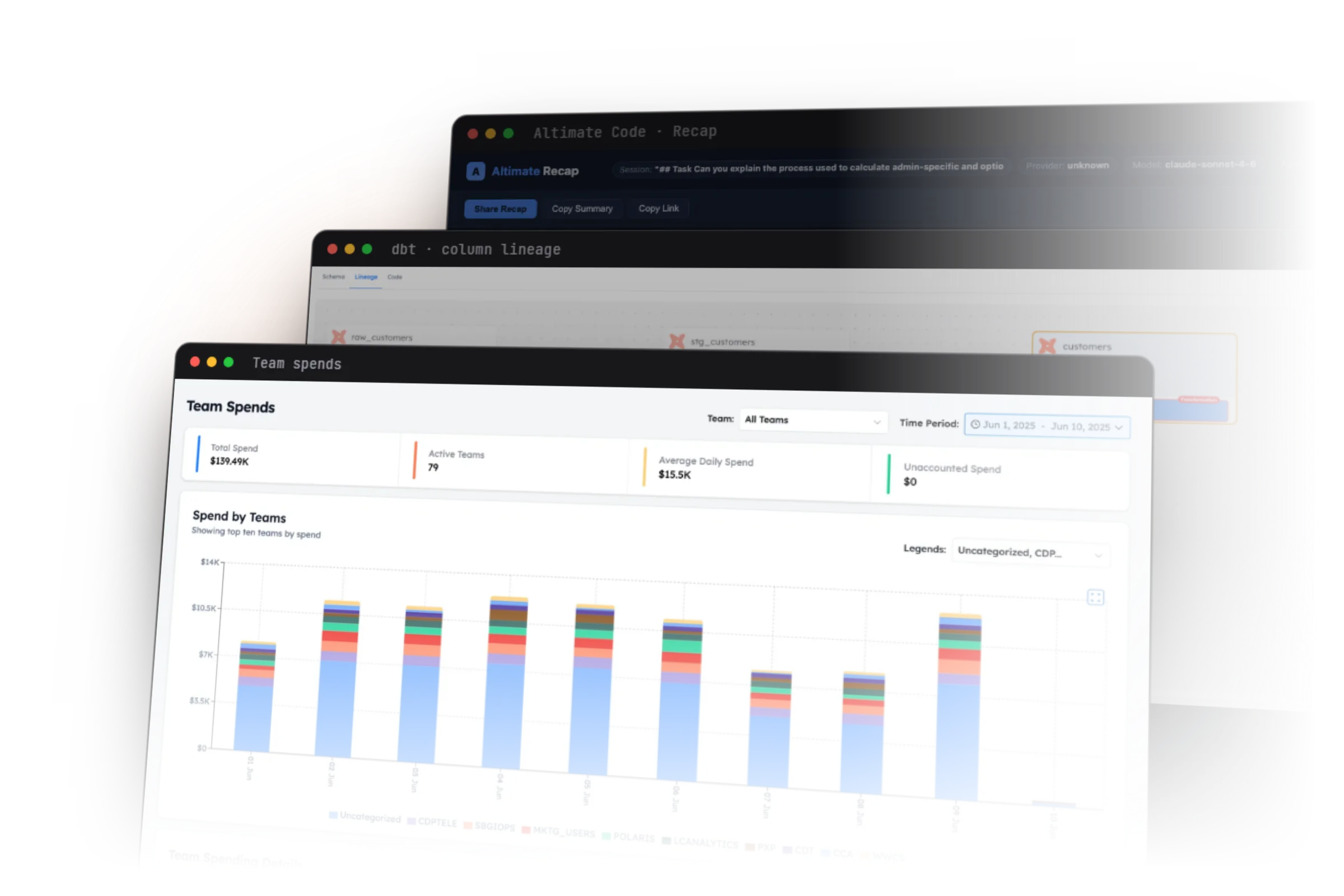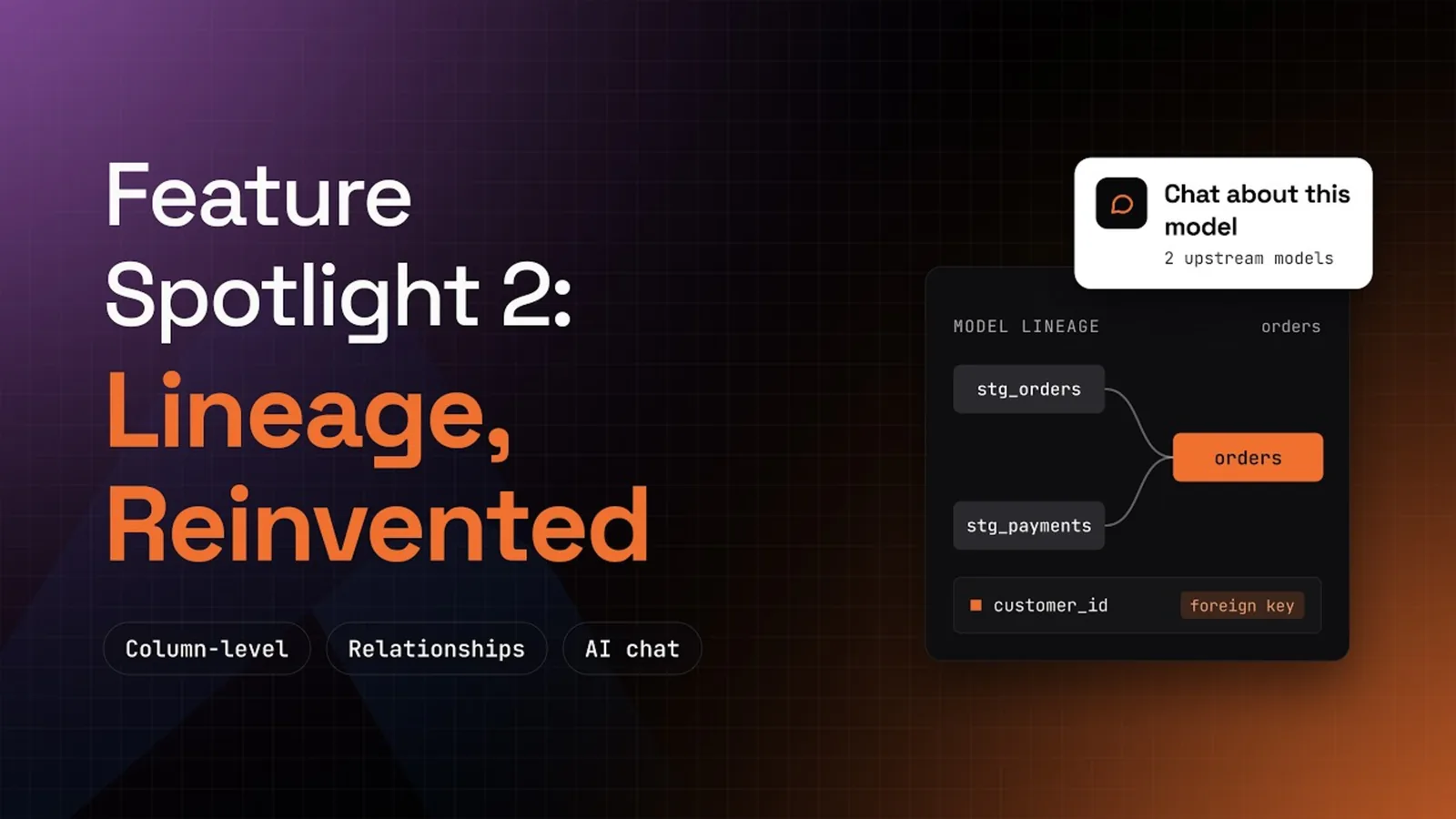
- What it is. An Ask Altimate Code menu on every node of the Lineage tab, plus a Relationships overlay. Model lineage is free. Column-level lineage needs a free Altimate API key.
- Who it is for. Analytics engineers who inherit a dbt project whose lineage graph is too big to read by eye.
- What you get. A written dependency tree, the logic behind any column and the keys that join your models, inside VS Code or Cursor.
In a small dbt project you read lineage by eye. In an enterprise project one model can sit on dozens of upstream models. At that size the graph stops answering the question you opened it for. Before you change a model, you still need three answers. What does it do, what does it read and what reads it?
Enable Relationships to See How Models Join
Click Relationships in the Lineage toolbar and choose where it may look for keys. It can read four sources:
- Declared from tests, such as a
relationshipstest in your YAML. - Model contracts that name a primary or foreign key.
- Semantic entities in your semantic models.
- Column names, such as
order_idin two models.
In the demo it marks stg_orders.order_id as a foreign key to orders.order_id, inferred from naming.
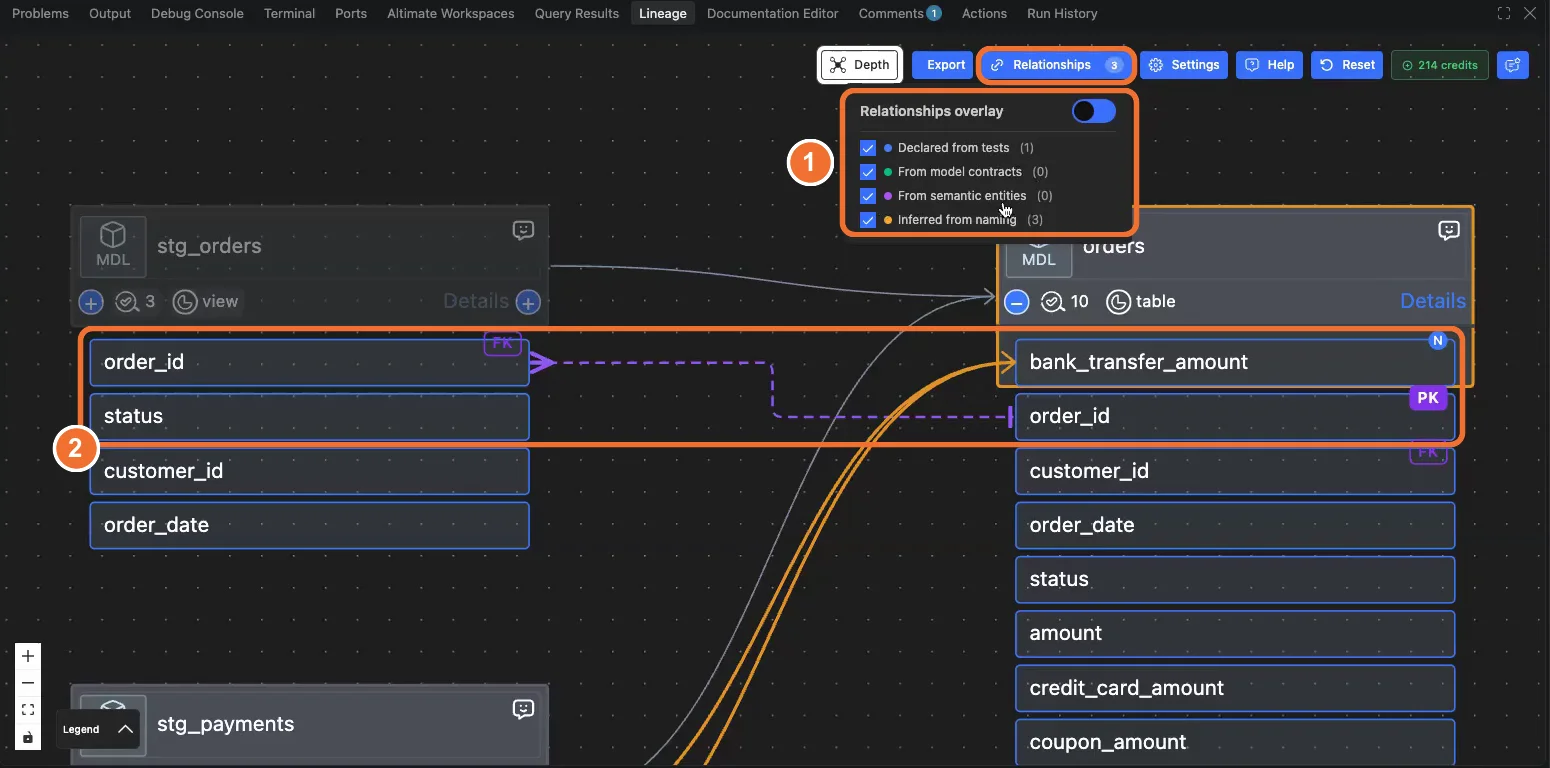
A dashed line marks each key. You see how two models join before you open either file. Do your column names follow no convention? Clear the naming source, so only declared keys show. The lineage guide covers the rest of the graph controls.
Ask Altimate Code What a Model Depends On
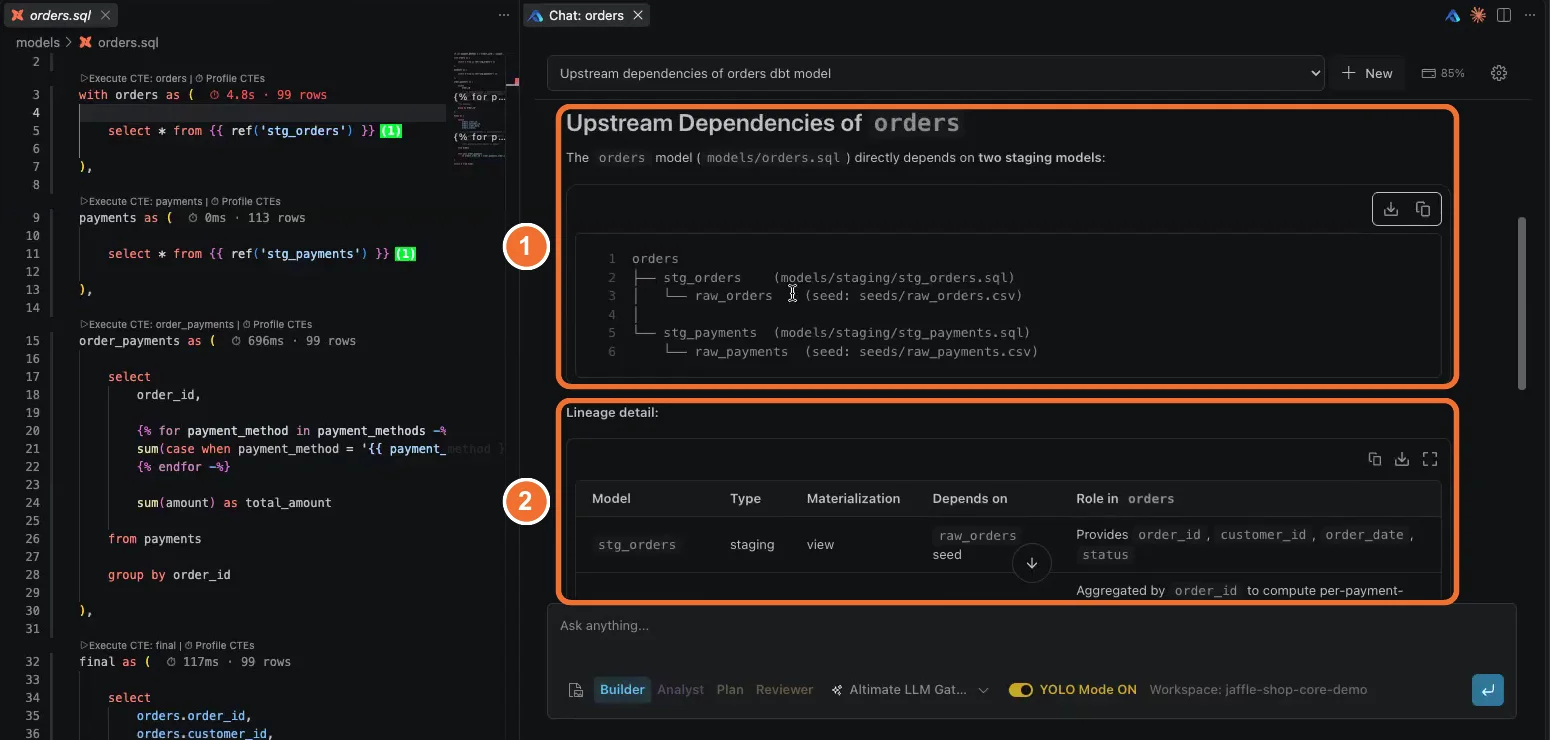
Every model node carries an Ask Altimate Code menu with prompts already written. You can ask for a summary, the upstream models, the downstream models or the data quality risks and missing tests. Pick one and an Altimate Code chat opens with the prompt filled in.
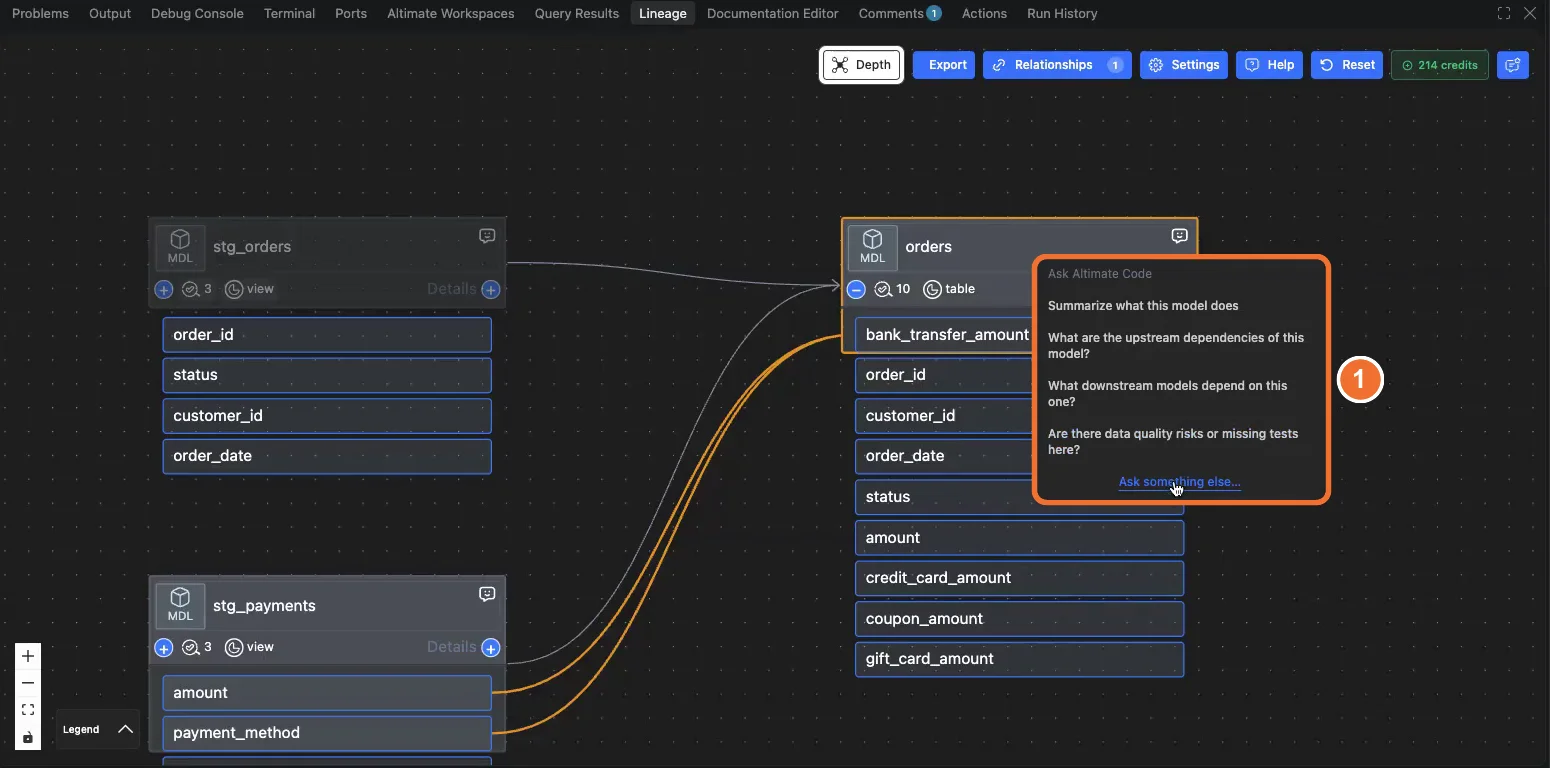
On the orders model the answer is a tree. The orders model reads stg_orders and stg_payments. Each staging model reads one seed. A lineage table under the tree lists each model's type, materialization and role. The answer names your real files, such as models/staging/stg_orders.sql. You can paste it straight into a pull request description.
Ask How a Single Column Is Calculated
Click a column, open Details, and the same chat offers prompts for that column. Asked how bank_transfer_amount is calculated, Altimate Code returns the SQL transformation behind it. That answer used to mean reading every upstream file by hand. Use it on a column a stakeholder questions, before you touch the SQL that produces it.
To show a graph to someone who does not use VS Code, click Export. The PowerUser Plugin for dbt creates a link in your Altimate instance, under Collab and then Export Lineage. Before you change the model you just read, profile its query for bugs and cost.
Install the dbt VS Code extension
Frequently Asked Questions
Install the PowerUser Plugin for dbt, open a model and open the Lineage tab. Model-level lineage is free. Click any column to see its column-level lineage, which needs a free Altimate API key. The same tab works in Cursor, because the extension installs from Open VSX.
It shows the keys that join one model to another, drawn as dashed lines between columns. The extension reads them from four places: declared tests, model contracts, semantic entities and column naming. You choose which sources it may use from the Relationships menu.
The node menu offers four written prompts. Two of them list the models upstream and downstream of the one you picked. The other two summarize the model and look for data quality risks or missing tests. Ask something else opens the chat with an empty prompt for your own question.
Yes. Click the column, open Details, and the chat offers prompts scoped to that column. In the demo, asking how bank_transfer_amount is calculated returns the SQL transformation that produces it.
No. The lineage prompts ask Altimate Code to read and explain. It returns a dependency tree and a lineage table in the chat. Your model files stay as they are.
Click Export in the Lineage tab. The extension creates a link in your Altimate instance. The lineage then appears under Collab and then Export Lineage, as the collaboration guide describes. A viewer must be registered in the same Altimate instance to open it.
The PowerUser Plugin for dbt supports dbt Core, dbt Cloud and dbt Fusion projects. The Lineage tab reads whichever project you have open. Setup for each project type is in the installation docs.