Snowflake Adaptive Compute became generally available on AWS on 16 June 2026. An Adaptive Warehouse has no size, no cluster counts and no suspend policy. You set a per-query performance ceiling and a throughput multiplier, and Snowflake bills each query.
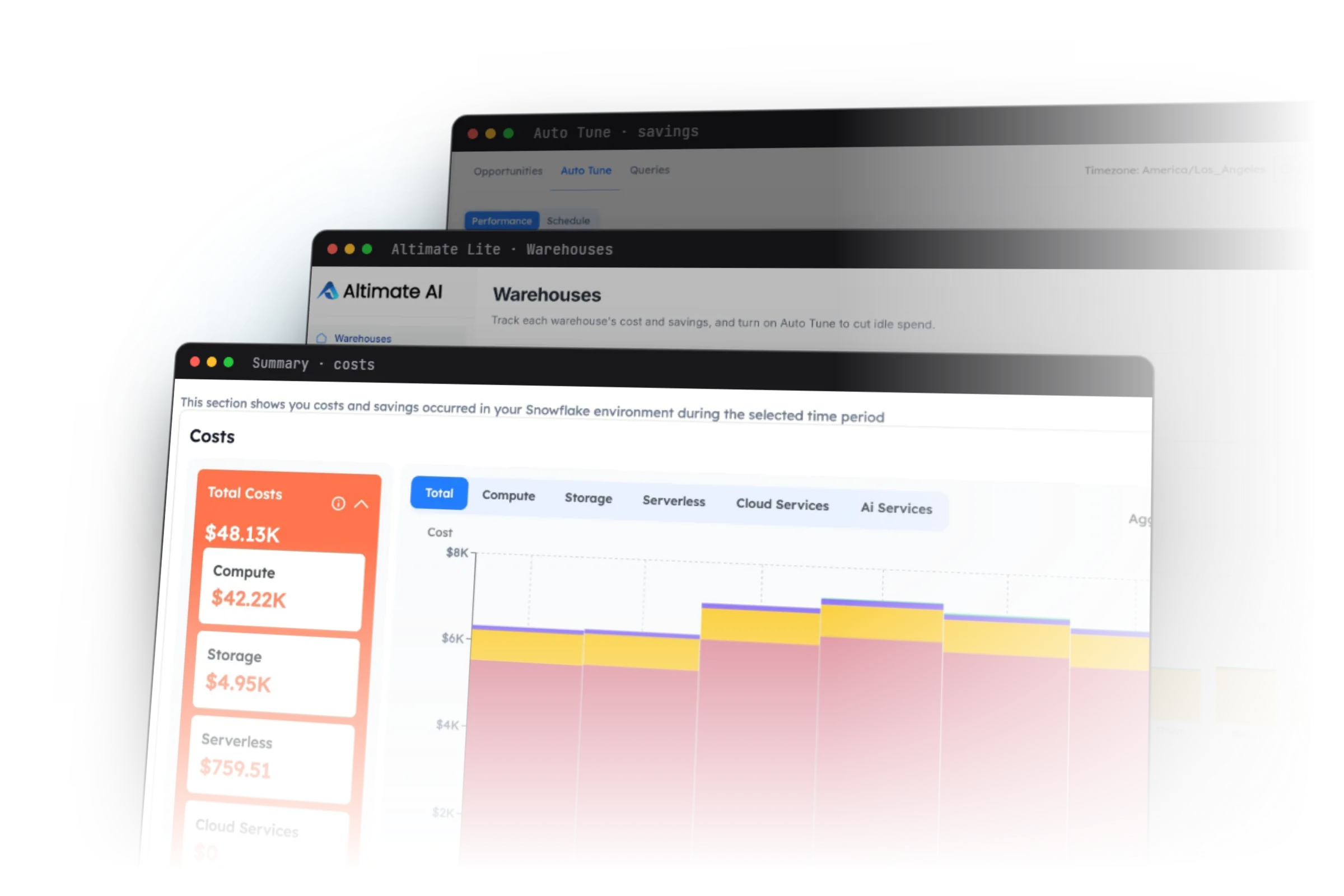
Auto-tuning is the other path. You keep a standard Gen1 or Gen2 warehouse and let software adjust its suspend timing and cluster counts as the workload moves. Altimate Lite writes two settings on a standard warehouse. It suspends the warehouse when it goes idle, and it lowers the maximum cluster count when demand drops. It never changes the size or your SQL.
Convert the unpredictable and fragmented warehouses to Adaptive. Keep and tune the ones Snowflake cannot convert, the mostly-HTAP ones, and the ones where you want a fixed size. Neither path fixes a query that scans a table it does not need.
If you run Snowflake warehouses, you have heard the pitch: "Convert to Snowflake Adaptive Compute and stop choosing between Small and X-Large." The pitch is mostly accurate. It also leaves out which warehouses Snowflake will not convert and what the bill looks like afterwards.
Snowflake Adaptive Compute replaces the fixed-size warehouse with an engine that sizes each query on its own. Snowflake's release note of 16 June 2026 made it generally available on AWS. The user guide now lists select AWS, Azure and GCP regions. We found no Azure or GCP release note, so check your own region before you plan a migration.
The GA release changes the comparison with auto-tuning a standard warehouse. It brings two new parameters, per-query billing and a list of warehouses that cannot convert. Our 2025 preview-era take described settings that the GA release renamed.
Each layer writes a different set of warehouse settings, and none of the three rewrites your SQL on its own.
Snowflake Adaptive Compute Replaces Four Settings With Two Parameters
An Adaptive Warehouse takes away four settings you used to manage by hand. Snowflake's Adaptive Compute guide names them: warehouse size, multi-cluster settings, Query Acceleration Service settings, and suspend and resume policies. All jobs on all Adaptive Warehouses in one account run on a shared pool of compute.
Two parameters take their place:
- MAX_QUERY_PERFORMANCE_LEVEL sets the upper bound of performance for any single query. The default is XLARGE, and valid values run from XSMALL to X4LARGE. Snowflake says the value does not map to a specific hardware configuration.
- QUERY_THROUGHPUT_MULTIPLIER is a non-negative integer that controls burst capacity. The default is 2. A value of 0 means unlimited throughput with no cap.
You create one directly, or you change the type of an existing warehouse:
-- A new Adaptive Warehouse with explicit limits
CREATE ADAPTIVE WAREHOUSE analytics_adaptive_wh
  WITH MAX_QUERY_PERFORMANCE_LEVEL = LARGE
       QUERY_THROUGHPUT_MULTIPLIER = 2;

-- Convert an existing standard warehouse
ALTER WAREHOUSE adhoc_wh SET WAREHOUSE_TYPE = 'ADAPTIVE';

-- Lower the per-query ceiling later
ALTER WAREHOUSE adhoc_wh SET MAX_QUERY_PERFORMANCE_LEVEL = MEDIUM;

-- Convert back if the result disappoints you
ALTER WAREHOUSE adhoc_wh SET WAREHOUSE_TYPE = 'STANDARD';
Standard properties stop working after the change. You cannot set WAREHOUSE_SIZE, MIN_CLUSTER_COUNT, MAX_CLUSTER_COUNT or SCALING_POLICY on an Adaptive Warehouse. A script that resizes warehouses on a schedule will fail against a converted one, so find those scripts first.
The 2025 preview described a Warehouse Credit Limit and a Target Statement Size. Neither name appears in the GA guide. The preview used SET TYPE to convert a warehouse. The GA release uses SET WAREHOUSE_TYPE.
Conversion Is Online but Bills Twice While Old Queries Finish
Snowflake runs a conversion without downtime. The guide calls it an online operation. Queries that were already running finish on the old compute, and new queries go to the Adaptive engine.
You pay for both sets of compute while the old queries run. Convert a warehouse during a quiet window, not while a three-hour batch job is running on it.
Snowflake computes the two new parameters for you at conversion. It derives them from four inputs: the old size, MAX_CLUSTER_COUNT, the Query Acceleration Service scale factor and the warehouse generation. Read the derived values after the change, because they become your new ceiling.
Four kinds of warehouse cannot convert yet. Snowflake blocks conversion to or from X5Large and X6Large, and to or from Snowpark-optimized and interactive warehouses. The account also needs Enterprise Edition or higher.
Suspend behaves differently too. You disable an Adaptive Warehouse, and new jobs sent to it are rejected. A resource monitor with a suspend action disables an Adaptive Warehouse immediately, per the resource monitor docs.
A Snowflake Adaptive Warehouse Bills per Query in QUERY_METERING_HISTORY
Adaptive Warehouses use a query-based billing model. Snowflake charges nothing to create one, and charges start when the first query runs. The usage appears under COMPUTE in your usage statements, in virtual warehouse credits.
Snowflake's cost claim is that Adaptive Warehouses run significantly more queries at a similar cost to Gen2. The guide gives no number for that claim. Measure your own warehouse before and after.
Per-query cost comes from a new view. QUERY_METERING_HISTORY returns per-query credits for Adaptive Warehouses over the last 365 days. It writes one row per query per metering hour, with up to one hour of latency. This query ranks last week's most expensive query shapes on one converted warehouse:
SELECT
  query_parameterized_hash,
  ANY_VALUE(query_id)              AS sample_query_id,
  COUNT(DISTINCT query_id)         AS runs,
  SUM(credits_used_compute)        AS compute_credits,
  SUM(credits_used_cloud_services) AS cloud_services_credits,
  SUM(credits_used)                AS total_credits
FROM SNOWFLAKE.ACCOUNT_USAGE.QUERY_METERING_HISTORY
WHERE warehouse_name = 'ADHOC_WH'
  AND query_start_time >= DATEADD(day, -7, CURRENT_DATE())
GROUP BY query_parameterized_hash
ORDER BY total_credits DESC
LIMIT 20;
Group by query_parameterized_hash, because one dashboard query with different filter values then counts as one shape. The docs warn that queries with very low or zero credit usage might not appear in the view.
For the before-and-after comparison, sum daily CREDITS_USED_COMPUTE from WAREHOUSE_METERING_HISTORY for 30 days on each side. Its CREDITS_ATTRIBUTED_COMPUTE_QUERIES column is NULL for Adaptive Warehouses. So Snowflake's idle-cost query for standard warehouses stops working after the conversion. Run it before you convert, and keep the result.
Divide daily credits by daily query count before you compare the two periods. Without that step, a quiet month looks like a saving.
Auto-Tuning a Standard Warehouse Means Moving Suspend and Cluster Settings
Auto-tuning means software changes a standard warehouse's settings while the workload runs. Two settings carry most of the idle cost.
The first is AUTO_SUSPEND. The CREATE WAREHOUSE reference sets the default at 600 seconds. The background suspend process runs about every 30 seconds. Snowflake bills per second with a 60-second minimum, and each resume starts that minimum again. A setting that is too long pays for idle minutes. A setting that is too short pays the minimum on every resume.
The second is the cluster range on a multi-cluster warehouse. MIN_CLUSTER_COUNT and MAX_CLUSTER_COUNT bound how many clusters run, and SCALING_POLICY is STANDARD or ECONOMY. Multi-cluster warehouses need Enterprise Edition. Each running cluster bills at the full rate for its size.
Gen2 changes the price of both mistakes. New standard warehouses default to Gen2, per the Gen2 guide. Gen2 costs 1.35 credits an hour at X-Small on AWS and GCP, against 1 credit for Gen1. That 1.35x ratio holds at every size, so each idle minute on Gen2 costs 35% more on AWS.
Run SHOW WAREHOUSES and read the auto_suspend, max_cluster_count and generation columns. A NULL or 0 in auto_suspend means the warehouse never suspends, so fix those rows first.
Altimate Lite Suspends Idle Warehouses and Lowers the Cluster Ceiling
Altimate Lite for Snowflake is a Snowflake Native App that auto-tunes the standard warehouses you enable. It writes two settings and no others. We read the daemon code to confirm the exact behavior.
- Idle suspend. When a warehouse goes idle, Altimate Lite sets AUTO_SUSPEND to 1 second, then restores your original value. Snowflake suspends the warehouse in between.
- Cluster scale-down. When demand drops, it sets MAX_CLUSTER_COUNT one lower, then restores the original count. Snowflake shuts down one cluster in between.
The app checks each enabled warehouse every five to six seconds. That is about ten checks inside Snowflake's 30-second suspend cycle. It runs inside your Snowflake account and makes no outbound network calls.
The limits are specific. Altimate Lite never changes a warehouse's size. It does not rewrite SQL and it does not show per-query warehouse cost. It does not touch Adaptive Warehouses, because Snowflake manages those. It covers Snowflake only.
The Altimate Lite launch post reports private preview results. It gives a 19% average saving across all customers, warehouses and days. The lowest saving on any warehouse on any day was 12.4%. The highest single-day saving was 57.5%, typically on weekends. One warehouse logged 118 tuning decisions in one day. The post publishes no customer count, time window or method, so treat these as the vendor's own preview figures.
Setup details are in the Altimate Lite docs. The published write-up on idle warehouse spend shows the per-warehouse view.
The Enterprise Platform Adds Downsizing, Query Cost and Rewrite Proposals
The Altimate Enterprise Platform adds three things on a standard warehouse. The first is size. A warehouse sizing agent downsizes a warehouse one level during low-demand periods. Approval Mode builds a weekly schedule that a person approves. Real-Time Mode acts on its own and evaluates every 15 minutes. If queue time or latency crosses a threshold, the platform reverts to the default size and pauses resizing for one hour. The highlight on how Auto Tune right-sizes Snowflake warehouses walks through both modes.
The second is cost per query. The platform splits warehouse credits across queries by concurrent workload, and it includes idle time. Snowflake's own QUERY_ATTRIBUTION_HISTORY view leaves idle time out. Query groups show total, average and annualized cost.
The third is SQL. The platform can rewrite a query, validate the results against your data and open the fix as a pull request. A person merges it. Auto Tune itself never changes SQL.
The Comparison Table Rebuilt From the Docs and the Code
| Capability | Adaptive Compute | Altimate Lite | Enterprise Platform |
|---|---|---|---|
| Chooses compute size | ✓ per query, under a ceiling | ✗ never changes size | ✓ one level down in low demand |
| Suspends idle compute | ✓ Snowflake manages it | ✓ enabled warehouses only | ✓ |
| Adjusts cluster count | ✓ Snowflake manages it | ✓ lowers the maximum by one | ✓ |
| Per-query cost | ✓ QUERY_METERING_HISTORY | ✗ | ✓ idle time included |
| Rewrites SQL | ✗ | ✗ | ✓ as a pull request a person merges |
| Works on Adaptive Warehouses | ✓ | ✗ not eligible | - |
| Platforms | Snowflake | Snowflake | Snowflake and Databricks |
No row in this table covers BigQuery. Altimate documents Auto Tune for Snowflake and Databricks only.
Neither Path Fixes a Query That Reads Too Much
Adaptive Compute and auto-tuning both change the compute under a query. Neither one changes what the query reads. A SELECT * in a model that needs four columns reads every column on any warehouse type. A filter on DATE_TRUNC('month', order_ts) still blocks partition pruning.
Adaptive Compute can give that query more compute, up to your ceiling, and you pay for it per query. Altimate Lite only decides when the warehouse stops running.
Find the worst readers with QUERY_HISTORY. Sort by partitions scanned against partitions total, and look at the top of the list. Technique 6 in our Snowflake cost optimization techniques covers both fixes. Our page on Snowflake query optimization shows how query fixes and warehouse tuning fit together.
Which Warehouses to Convert and Which to Keep and Tune
| Warehouse | Choice | Reason |
|---|---|---|
| Ad hoc or sandbox with unpredictable queries | Convert to Adaptive | Snowflake sizes each query, and you stop guessing a size |
| Several small team warehouses with low use | Convert to Adaptive | The names stay for accounting, and the compute pool is shared |
| Mostly HTAP (hybrid table) traffic | Keep on Gen2 standard | Snowflake's guide says to use Gen2 for these |
| X5Large, X6Large, Snowpark-optimized or interactive | Keep and tune | Conversion is not supported yet |
| Any warehouse on Standard Edition | Keep and tune | Adaptive needs Enterprise Edition |
| Batch ETL where you want a fixed size | Keep and tune | Adaptive has a ceiling, but no fixed size |
| A region Snowflake does not list for Adaptive | Keep and tune | Check the region list in the guide |
| A warehouse with scripts that set size or clusters | Keep until the scripts change | Those properties fail on an Adaptive Warehouse |
Many accounts end up with both types. That mix means two cost views: QUERY_METERING_HISTORY for the Adaptive side, and WAREHOUSE_METERING_HISTORY plus idle cost for the standard side. Why your Snowflake bill grows each quarter lists the cost drivers that each view shows.
Convert One Warehouse and Measure Credits per Query
Pick your least predictable ad hoc warehouse. Save 30 days of its daily credits, query counts and idle cost. Convert it during a quiet hour, then compare credits per query after 30 days.
Keep the warehouses in the "keep and tune" rows on standard compute. Set their AUTO_SUSPEND from measured idle gaps, not from the 600-second default. To automate suspend and cluster scale-down on those warehouses, install Altimate Lite for Snowflake from the Snowflake Marketplace.
Frequently Asked Questions
Yes. Adaptive Compute reached general availability on AWS on 16 June 2026. Snowflake's guide also lists select Azure and GCP regions as generally available. It requires Enterprise Edition or higher.
Two parameters replace it. MAX_QUERY_PERFORMANCE_LEVEL caps the performance of one query, with XLARGE as the default. QUERY_THROUGHPUT_MULTIPLIER controls burst capacity, with 2 as the default and 0 as unlimited.
Query SNOWFLAKE.ACCOUNT_USAGE.QUERY_METERING_HISTORY. It returns per-query credits for the last 365 days, one row per metering hour. Latency is up to one hour.
No. Snowflake manages Adaptive Warehouses, so Altimate Lite does not tune them. It tunes standard warehouses that you enable, and it only changes auto-suspend and maximum cluster count.
Snowflake says it runs significantly more queries at a similar cost to Gen2, and gives no number. Measure credits per query for 30 days before and after one conversion.